How the fake text generator works
1. Paste
Type or paste lines as Name: message. Lines without a name continue the previous message.
2. Assign speakers
Rename people and choose which one is “me” — their messages appear on the right.
3. Preview
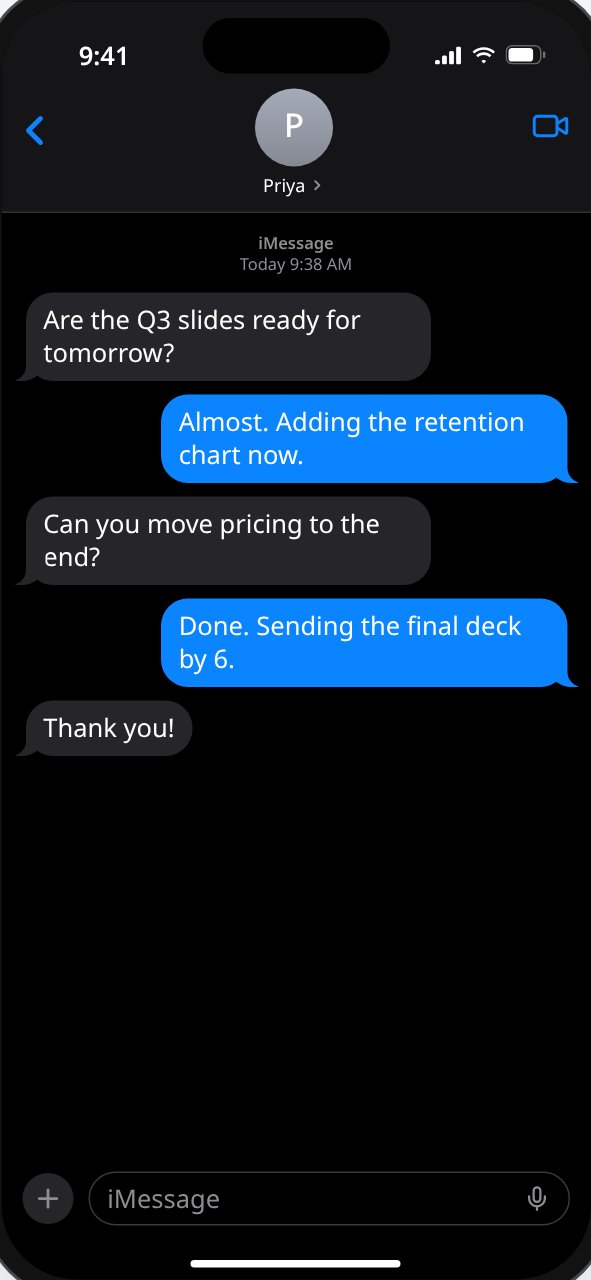
See it live on an iPhone-style or Android-style screen, in light or dark.
4. Export
Download the phone screen as a 1179 × 2556 PNG image.
Templates and export
Two templates: an iPhone-style Messages screen and an Android-style messages screen, each in light or dark. Switch sent bubbles between blue and green or pick any custom color, and set the contact name, photo, clock, battery, signal, timestamp, and read receipt. Export is one PNG of the screen as shown, at 3× resolution. It's free, with no sign-up.