Create a text message mockup from a conversation

Turn your dialogue into a polished conversation image for presentations, product demos, and training.

Create your mockup

Start from an example

Fictional conversations. Load one, then replace the text with your own.

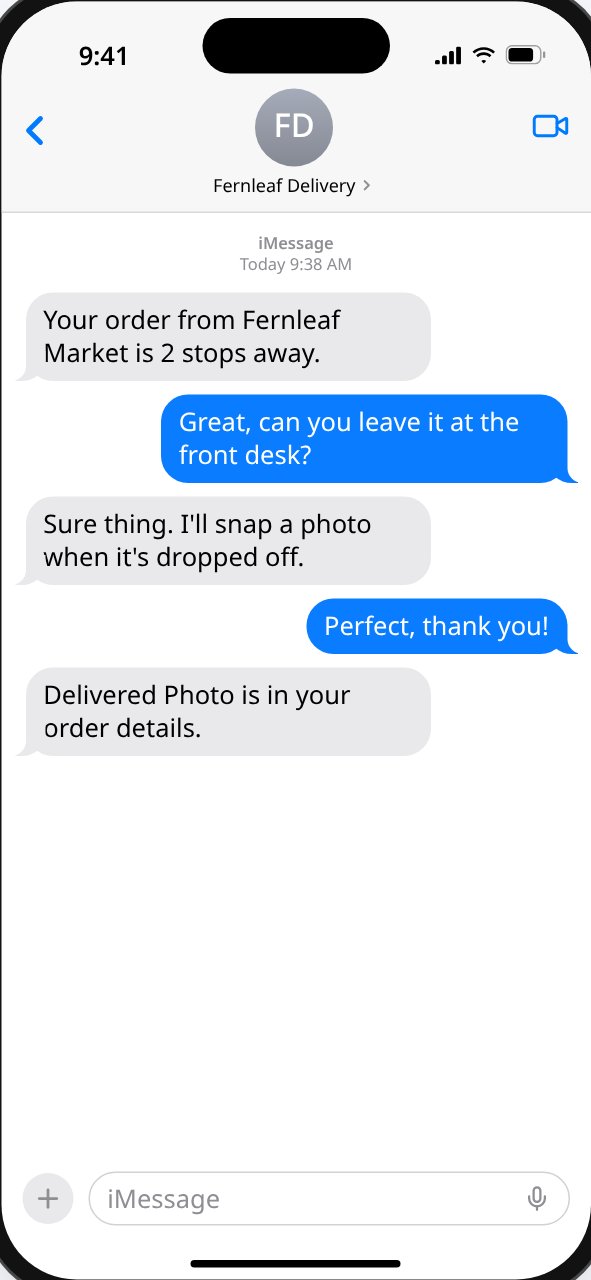
iPhone light-mode mockup: a courier texting that a Fernleaf Market order was delivered

Product demo

Show a delivery notification flow for an app walkthrough.

Load into editor
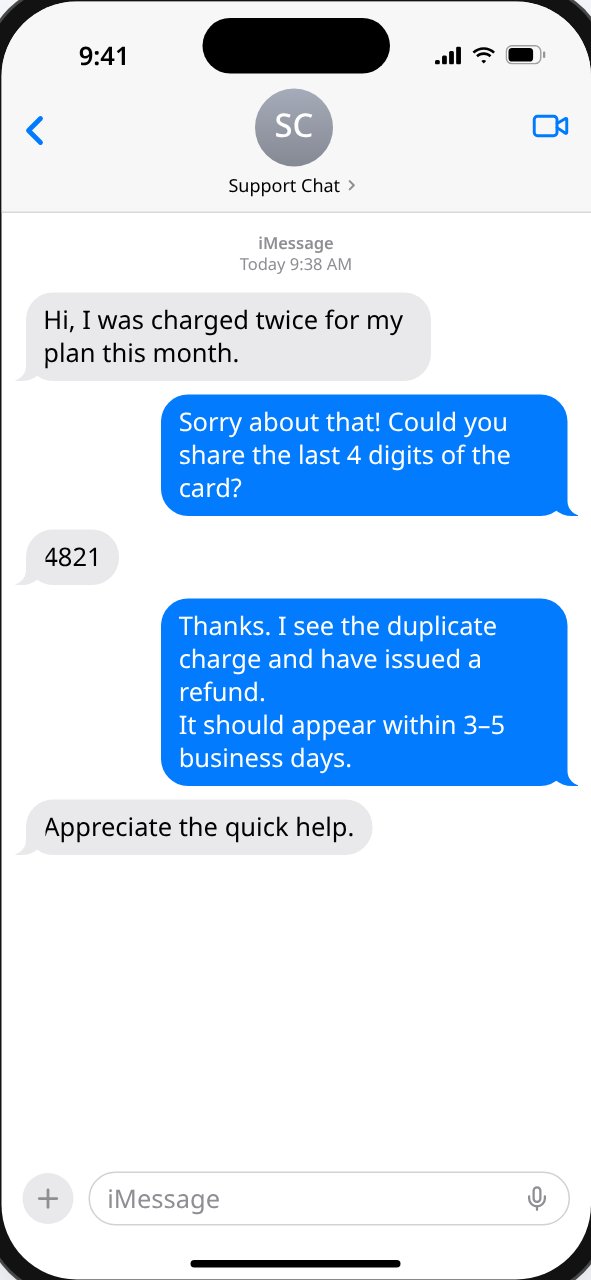
iPhone mockup of a support agent refunding a customer's duplicate charge

Customer-support training

A support agent resolving a double charge, for onboarding material.

Load into editor
Revise and export

  • Edit the pasted transcript, or switch to “Edit messages” to change, reorder, add, or delete single messages.
  • Rename speakers and choose who is “me”.
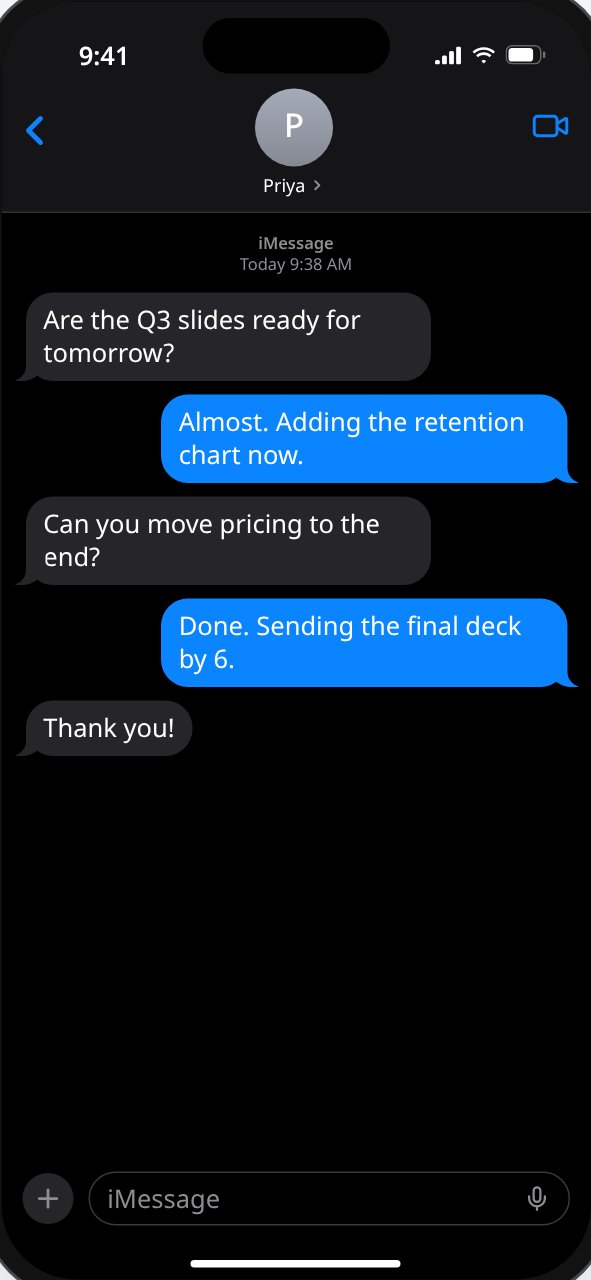
  • Pick iPhone or Android style, light or dark, bubble colors, clock, battery, and read receipt.
  • Press Download PNG in the bar at the bottom of the editor.

Output details

  • Format: PNG only.
  • Size: 1179 × 2556 pixels (a 393 × 852 phone screen at 3×).
  • Long conversations: only the visible part of the screen is exported. Scroll the preview to choose which messages appear.

FAQ

How do I import dialogue?
Paste it into the transcript box, one message per line as Name: message. A line without a name continues the previous message, so line breaks and blank lines are kept.
Can I edit speakers?
Yes. Rename any participant, choose which one is “me” (shown on the right), and set a contact name and photo. Conversations with more than two people show a warning because the templates are one-to-one chats.
What does the export include?
One PNG of the phone screen exactly as the preview shows it, at 1179 × 2556 pixels. Long conversations are not stitched into one tall image — scroll the preview to the part you want before downloading.
How is my content handled?
The editor runs in your browser and saves your latest conversation in this browser's local storage. Conversations aren't uploaded to create the image, and analytics events never include message text, names, or photos.